

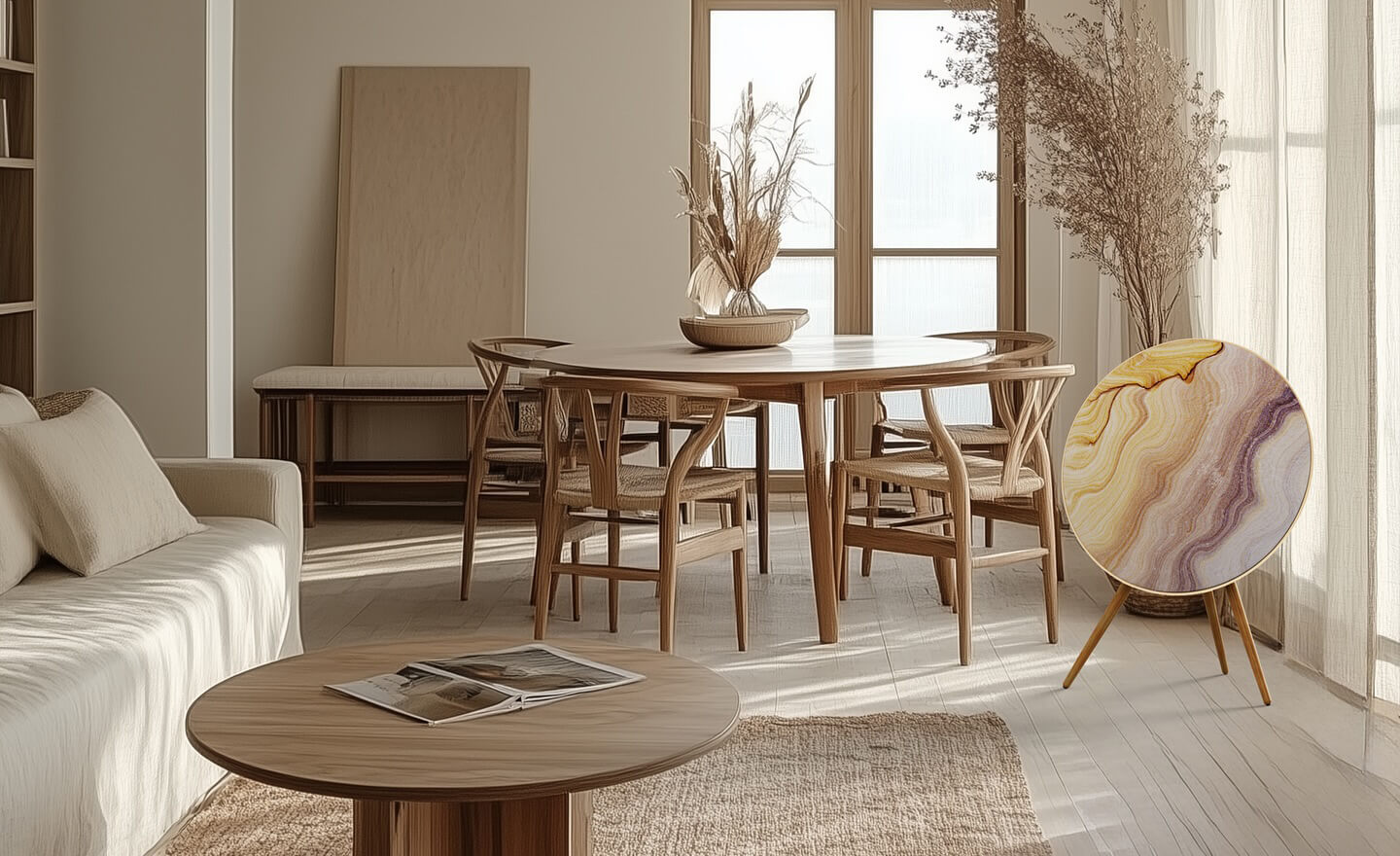
Installing your new Skiniplay cover is quick, easy, and requires no tools.
If you’ve just purchased a new cover for your Bang & Olufsen Beosound A9, congratulations! Not only have you added a unique touch of design to your sound system, but you’ve also chosen a high-quality, handcrafted product designed to fit your speaker perfectly.
In this guide, we’ll show you how to install your Skiniplay cover on the Beosound A9 in just a few simple steps.
Watch the video tutorial below for a visual guide, then scroll down for detailed instructions.
⸻
🛠 What You Need
• Your B&O Beosound A9 speaker (any generation even Beoplay A9)
• Your Skiniplay cover
• A clean, flat surface
• A few minutes of your time
No tools or special skills are required. The process is completely manual and safe for your speaker.
⸻
✅ Step-by-Step Instructions
Step 1: Prepare your Beosound A9
Gently remove the original fabric cover by pressing around the edges and pulling it off evenly. If you already have a Skiniplay cover, the cover is held by tension, so no clips or screws need to be removed. Kvadrat covers and original Bang & Olufsen covers may contain plastic parts, so it’s important to handle them carefully. Make sure to gently detach them from the edges of the speakers without forcing or pulling too hard.
Step 2: Align your Skiniplay cover
Take your new Skiniplay cover and align it with the bottom edge of the speaker circular front. All our covers are made to precisely match the dimensions of the Beosound A9, so you’ll notice a snug fit.
Step 3: Install the cover
Locate the tag with the Skiniplay logo and place it over the hole around your speaker. Secure the cover by pressing it with your knee or asking someone to help hold it in place. Press the cover evenly along the edge of the speaker. Start from the bottom and work your way down to ensure it stays centered. Apply light pressure with your hands to stretch the fabric over the frame until it’s fully seated.
Step 4: Final adjustments
Check that the cover is evenly placed and that the fabric is smooth. If needed, gently adjust the position until it’s perfectly aligned. Once installed, your Beosound A9 is ready to enjoyed.
⸻
💡 Tips for Best Results
• Clean your speaker before installation to remove any dust.
• Avoid pulling the fabric too hard. The material is designed to stretch just enough to fit snugly.
• If you ever want to switch to another design, simply remove the cover and repeat the process.
⸻
📈 Why This Matters
We believe that design should be as easy to change as your playlist. Skiniplay covers for Beosound A9 allow you to customize your speaker without any tools, without damage, and with maximum visual impact. Whether you’re going for bold color, artistic prints, or minimalist tones. Installation is always the same: fast and effortless.
⸻
Questions?
If you need further assistance, don’t hesitate to contact our support team. We’re here to help you make the most of your new cover.
⸻
Skiniplay covers for Beosound A9. Handmade in France. Designed for sound and style.
Introducing “Que Sera Sera”. A Bold New Speaker Cover by Artist Elizabeth Romhild